

If you spend most of your working day on Google, having the right browser support can make a huge difference to your time management. These small tools can make a huge difference to your day-to-day workflow. They save time, reduce mistakes and take the stress out of repetitive tasks.
The best part? They’re free.
Here are five Chrome extensions we think are well worth adding to your browser if you want to work smarter and get more done.
1. Grammarly
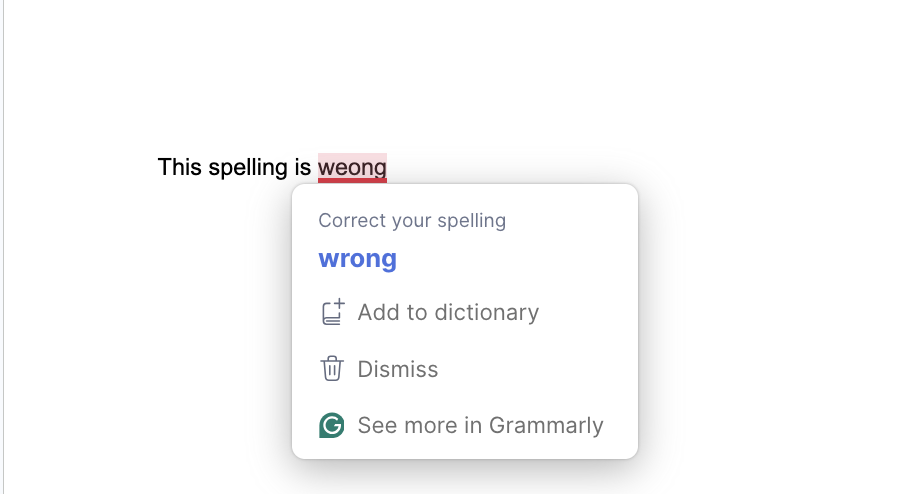
If you write anything online, emails, blogs, social posts, or quotes we all make mistakes sometimes and if you know it happens to you far more than you’d want to admit Grammarly is the tool you.
It checks your spelling, grammar and wording as you type, helping you clean up mistakes instantly avoiding the anxiety of potential mistakes. It’s like having an extra pair of eyes on everything you write.
That means less time proofreading, fewer awkward typos and more confidence that what you’re sending out sounds clear, polished and professional.
For busy teams and business owners, it’s an easy win.
Read More: The Power of Conversion Rate Optimisation (CRO)
2. LastPass
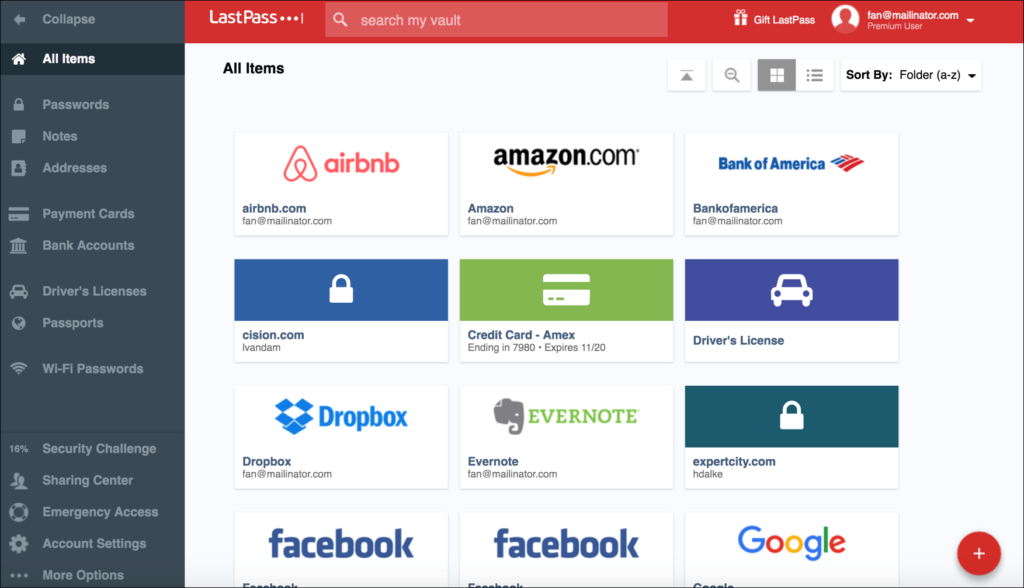
If you’re fed up with constantly resetting passwords or trying to remember which login goes with which platform, LastPass will make life a lot easier.
It stores your passwords securely and instantly fills them in for you when you need them. So instead of stopping what you’re doing every five minutes to dig out login details, you can get straight into the tools and platforms you use every day.
It’s faster, more convenient and much less stressful than trying to manage everything manually.
3. ColorZilla
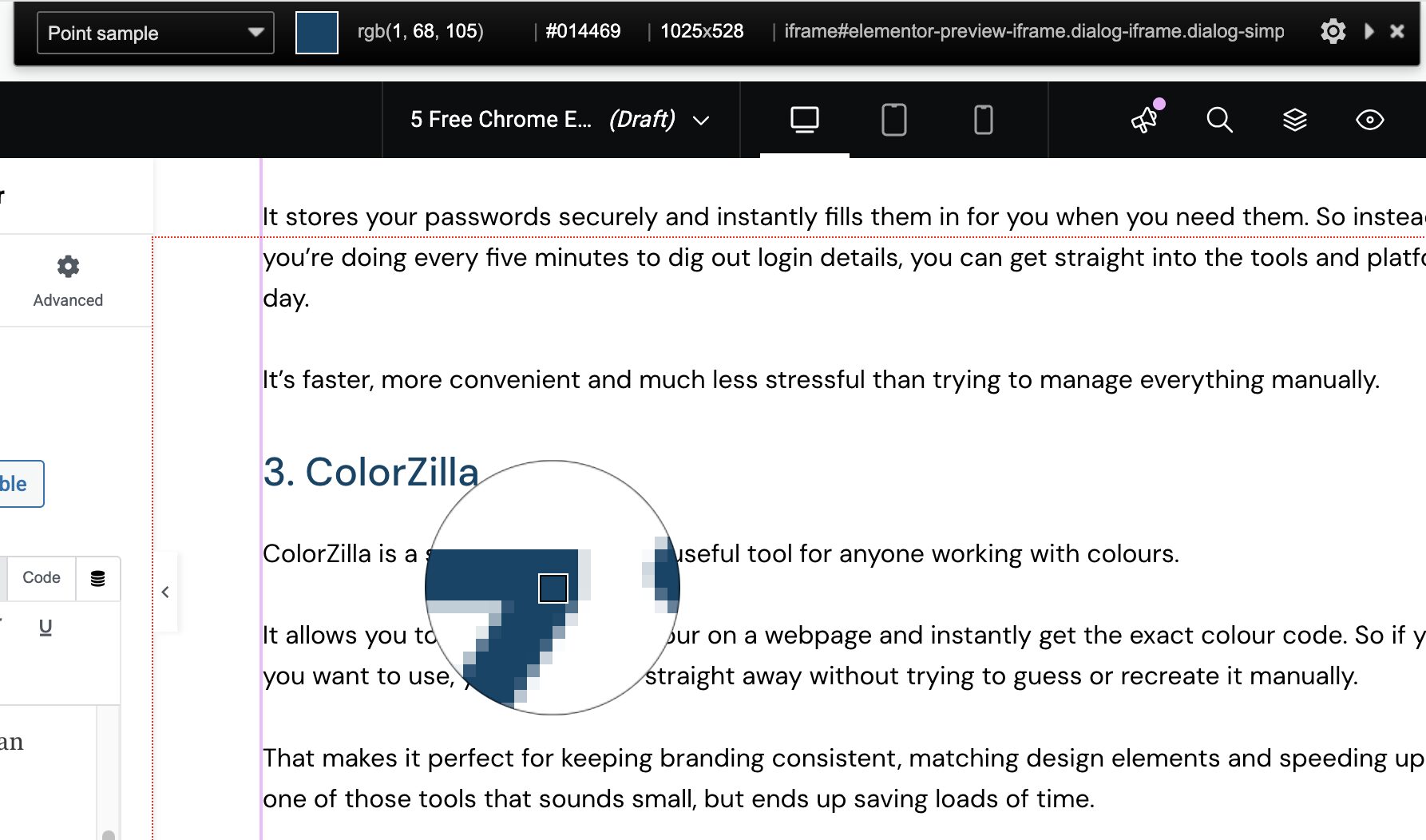
ColorZilla is a simple but seriously useful tool for anyone working with colours.
It allows you to hover over any colour on a webpage and instantly get the exact colour code. So if you spot a colour you want to use, you can grab it straight away without trying to guess or recreate it manually.
That makes it perfect for keeping branding consistent, matching design elements and speeding up creative work. It’s one of those tools that sounds small, but ends up saving loads of time.
4. Google Tag Assistant
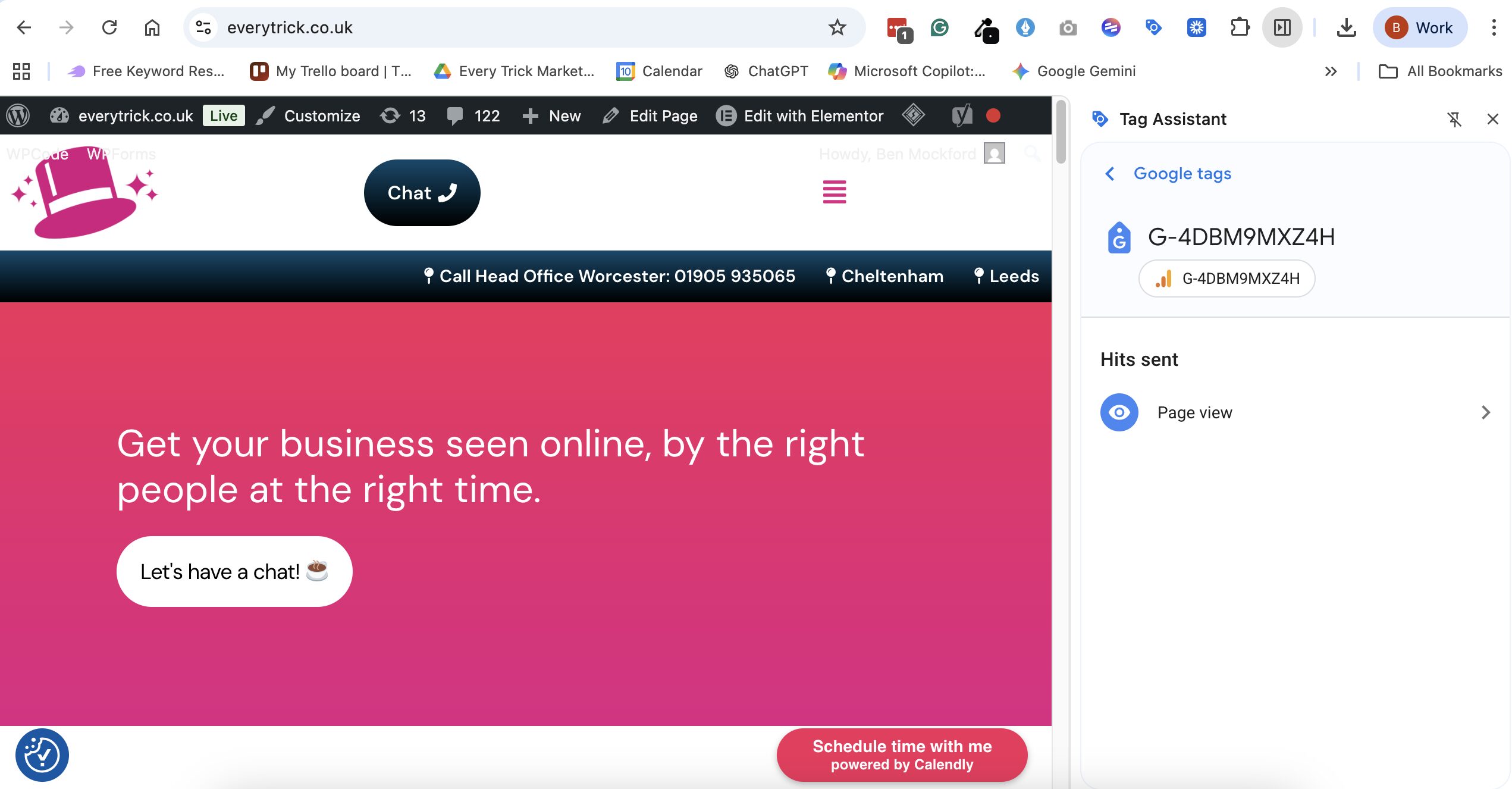
If you use Google Analytics, Google Ads or Google Tag Manager, Google Tag Assistant is a must.
It helps you check whether your website or any of your competitors’ tracking is working properly. It shows you what Google tags are active on a page, so you can quickly spot if something is missing, broken or not firing as it should.
That matters because if your tracking is wrong, your data is wrong too and that can lead to poor decisions, wasted budget and missed opportunities.
Read More: Google Analytics 4: Understanding Your Data
5. Font Picker
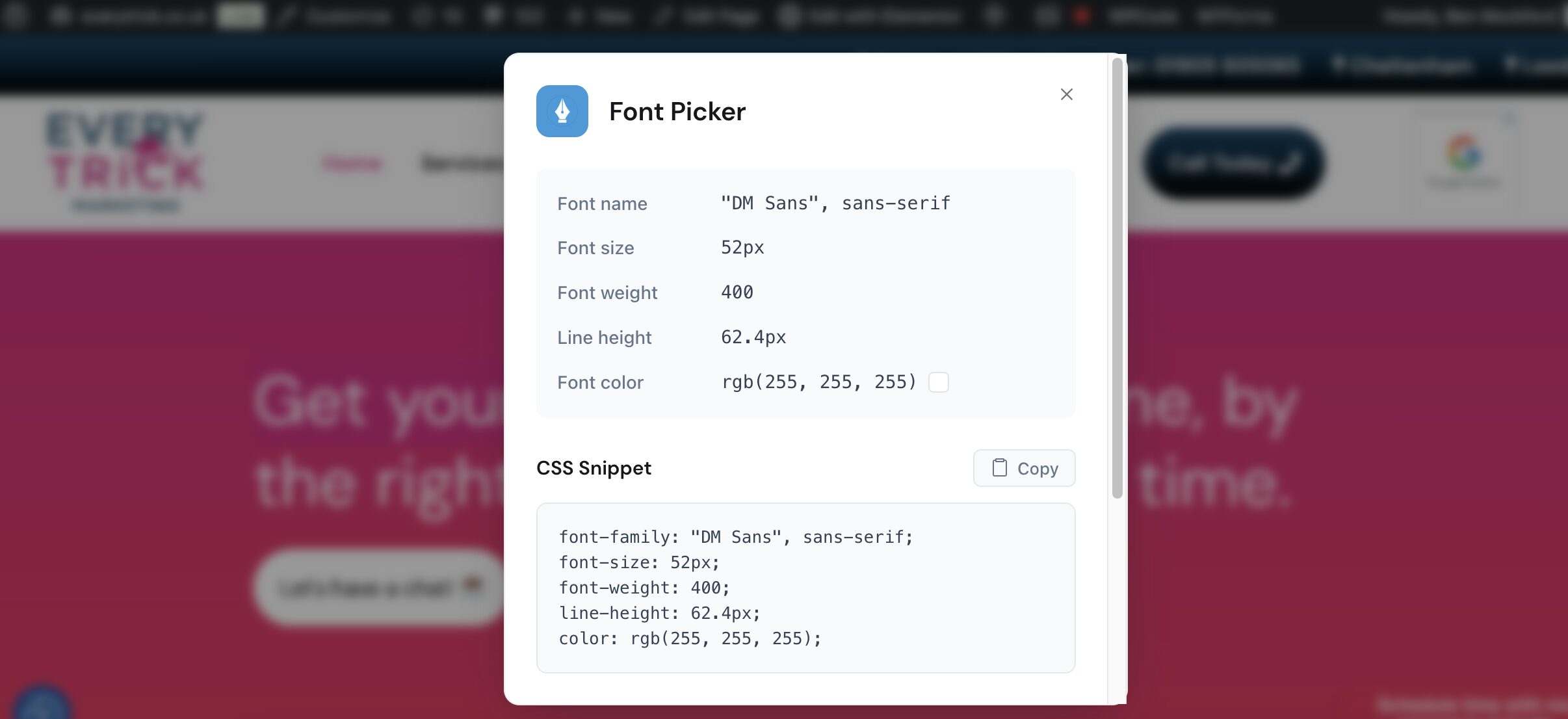
Seen a website with a font you love and wanted to know what it is? That’s exactly where Font Picker comes in.
This extension lets you click on text on a webpage and instantly see what font is being used. No coding knowledge, no digging through the back end, and no guesswork.
It’s especially useful if you work in marketing, branding, design or content creation, where keeping visuals consistent really matters.
Final Thoughts
The best Chrome extensions are the ones that quietly make your working day smoother, quicker and less frustrating.
These five tools can help you write better, log in faster, work more efficiently and keep your website and branding on track. They may be small additions to your browser, but they can have a big impact on how easily your day runs.
If you want to improve more than just your browser workflow, from your website performance to your content and tracking setup book a free 1-2-1 consultation with Everytrick Marketing